Model Configuration
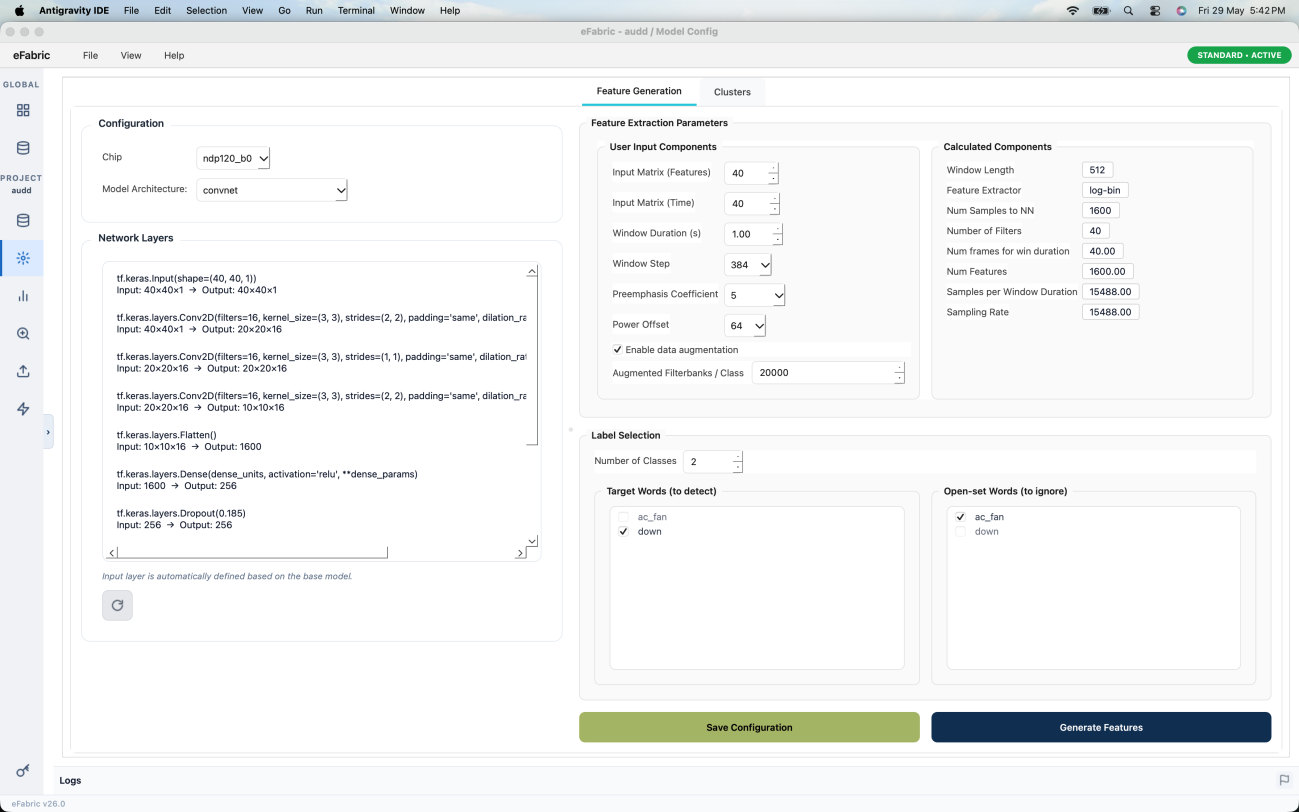
The Model Config tab defines how the model is built and trained. The available options adapt to the active project type. Click 💾 Save Configuration after every change — training uses the last saved settings.
NOTE
Always save your configuration before starting training. Training uses the last saved settings.