Supported File Formats
Common to All Project Types
| Action | Description |
|---|---|
| Import Folder | Click Import Folder → select a folder → system scans for supported files → cached for fast browsing |
| Import Files | Click Import Files (Ctrl+Shift+O) → select files → place in new or existing folder |
| File Search | Search bar to filter by name; sorting by name, count, or duration; pagination controls |
Audio Classification
| Format | Description |
|---|---|
| WAV | Preferred — uncompressed, consistent feature extraction |
| MP3 | Supported for import (convert to WAV before training) |
| FLAC | Supported for import (convert to WAV before training) |
NOTE
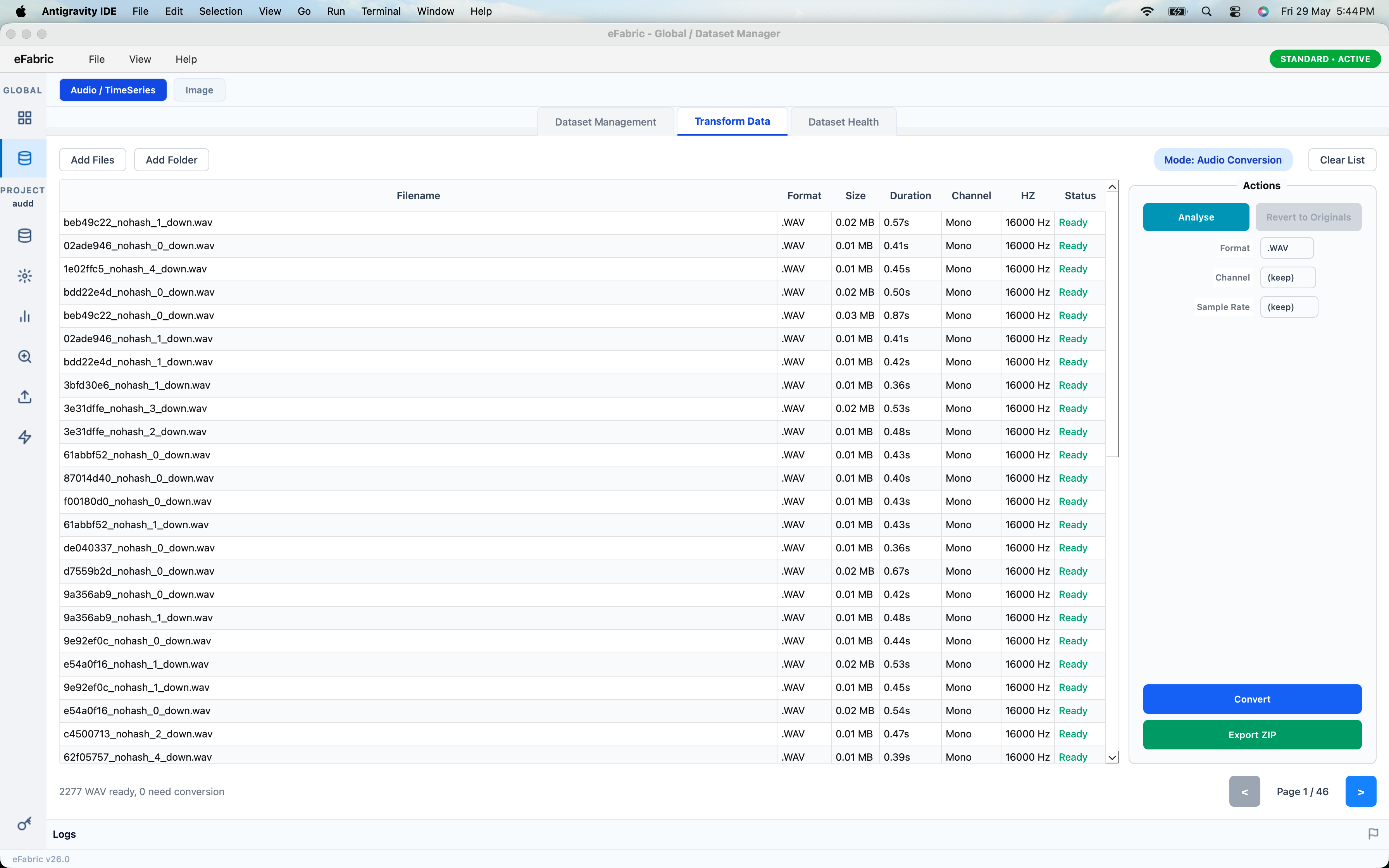
Convert all audio files to WAV before training. WAV provides consistent feature extraction.
Time Series Model
Time Series models use CSV files containing sequential multi-channel sensor data (e.g., accelerometer and gyroscope readings) as input.
Image Detection
| Format | Description |
|---|---|
| JPG / JPEG | Preferred format for training datasets |
| PNG | Fully supported for import and training |
| BMP | Supported for import and training |